
LASSO Blog
For all articles, podcasts, and other updates, subscribe to our newsletter to get it all in one place.
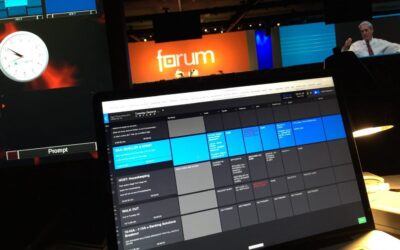
KBOgroup Case Study
[4 min. read] Keith Oberfeld,
Executive Producer and Owner at KBOgroup shares how they removed 4-5 hours from their workflow.
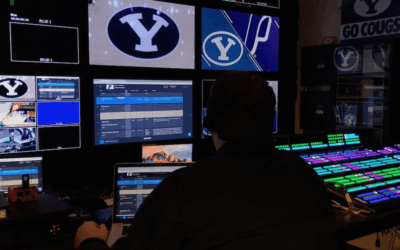
BYU Case Study
[4 min. video] Bryce Lake, Marketing Coordinator at BYU Athletics, discusses how BYU switched their scripting software mid-season.
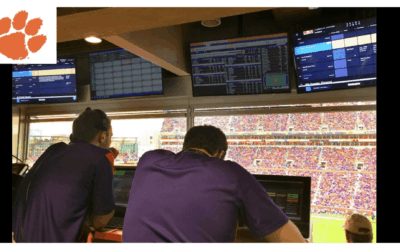
Clemson Case Study
[2 min. video] Mike Money, Assistant Athletic Director for Marketing and
Game Management at Clemson University, talks about their switch to Shoflo.

UCF Knights Case Study
[3 min. video] David Belawski, Director of Production, and Jimmy Skiles, Associate AD for Fan Development, discuss how UCF’s Marketing & Production teams build game scripts together in Shoflo.

Phillies Case Study
[6 min. read] Sean Rainey, Manager Video Production for the Philadelphia Phillies, shares how they cut script building by 75% after switching to Shoflo mid-season.
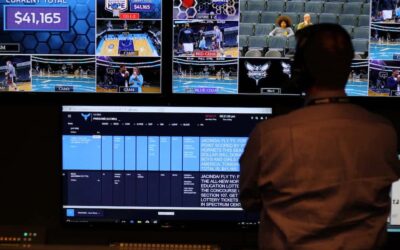
Charlotte Hornets Case Study
[3 min. video] Emily Ladd, Senior Manager Event Presentation at Charlotte Hornets, shares how they slashed their scripting time by 50%.
TEDx Case Study
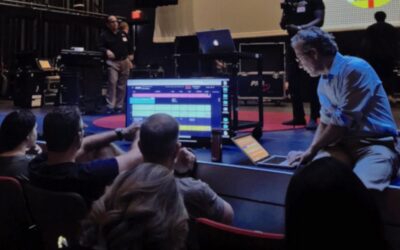
[5 min. read] Learn how TEDx Orlando used Shoflo’s event production software in this interview with Alex Rudloff and Melissa Koch.

TED Case Study
[4 min. read] Mina Sabet, Director of Production/Video Operations at TED, shares how TED2018 invited 213 Users into Shoflo to pull off their event.

Salt Lake Bees Case Study
[3 min. read] Nikki Sim, Game Operations & Marketing Manager for the Salt Lake Bees, shares how switching from Excel to Shoflo allowed the Bees to build Game Scripts in HALF the time.

Vegas Golden Knights Case Study
[5 min. video] Industry experts Jonny Greco and Ayron Sequeira from the Las Vegas Golden Knights discuss how they deliver amazing game presentation experiences for their fans using Shoflo.

ESL UK Case Study
[3 min. read] Sam Deans, Former Executive Producer for ESL UK, discusses how ESL manages scripts for live Esports events.
3 Excel Formula Frustrations That Every Event Producer Runs Into
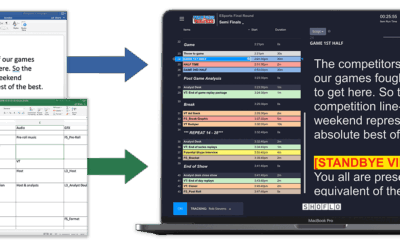
Live event production is no easy task. There are many moving elements that must move in sync to produce a successful live event. How does an event producer make sure that everyone is on the same page on event day? Historically, Excel has been used to keep track of the rundown and ensure everyone is hitting their cue. The problem is, Excel formulas break all the time, which increases the frequency of errors that derail live events. Auto time calculations are useful and help keep the crew on track but it is important to be aware of common formula errors in the automation process that will require immediate attention. Check out these 3 formula frustrations that every event producer runs into.