
If you’re still managing containers and packages at a basic level in LASSO, you’re leaving serious efficiency on the table. In a recent strategy session inside The Loop, LASSO’s Mel Baglio walked through the advanced containering and packaging features that can transform the way your warehouse team, PMs, and on-site crews handle gear—from packout to return.
Here’s what you need to know.
It Starts With How You Set Up Your Containers
LASSO gives you multiple container types to match how your gear actually moves in the real world. Understanding the difference is the first step to leveling up your Inventory workflow.
Kits are your “set it and forget it” option. If you have gear that’s permanently mounted or always ships together—think a fixture physically attached to a base plate—a kit keeps those items locked together. The items inside are permanent, meaning they stay associated with the container even when it’s emptied. Kits are ideal for gear that never gets broken apart between events.
Locked containers give you more flexibility. They have a fixed capacity (say, an 8-pack case for wireless uplights), and the system automatically calculates how many containers you need based on the quantity on your gear order. Change the quantity, and the container count updates in real time. This is a huge time-saver for PMs building out orders—you don’t have to manually figure out how many cases to pull.
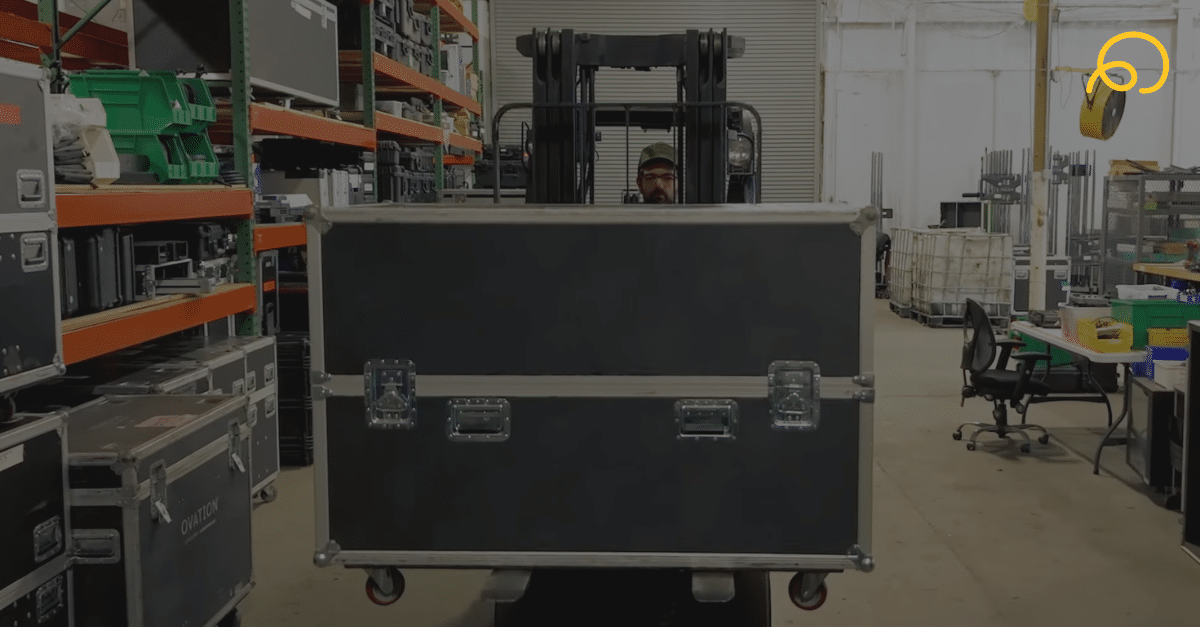
Free pack containers are your most flexible option. They don’t dictate quantity—they’re just a vessel you can assign items to. This is especially useful on the warehouse side, where you can add a container to an order and scan items into it as you pack. Great for road cases where the contents might change from show to show.
Multiple Container Options Give You Engineering Power
Here’s where it gets really useful for PMs who are also engineering shows. LASSO lets you assign multiple container options to a single item. For example, you might have a chain motor that can ship in either a 2-pack case or a 4-pack case. When you’re building a gear order, LASSO will prompt you to choose which container type you want—and the system handles the math from there.
This is a game-changer when you’re trying to figure out how to fit everything on the truck. Do you need the bigger case, or can you absorb those items into a smaller one? Having that visibility at the order level helps your team plan more efficiently and avoid surprises on load-in day.
Container Restoring Saves You Time, Money, and Resources
This is the feature Mel says most people don’t realize exists—and it’s one that can save your team significant time on every single return.
Container restoring lets you pre-pack containers so that when gear comes back and gets checked in, the system already knows what should be inside each case. Instead of manually scanning every item back into every container after every event, you restore the container once and LASSO remembers the configuration going forward.
The key detail: permanent items stay in the container even when you empty it. So if the same 10 fixtures always go in the same case, mark them as permanent and skip the repetitive scanning. Non-permanent items (or unserialized items) get removed each time, which is exactly what you want for gear that rotates between events.
There’s also a quick-turn feature that lets you scan gear out of one show and directly into the next—skipping the check-in step entirely. The catch? Everything in that container needs to be marked as permanent for quick-turn to work, since the system assumes items didn’t get repacked in between.
Labels, Manifests, and Visibility
Once you’re using containers, LASSO gives you the reporting to match. From your gear order, you can pull up a full list of containers on that event, print QR labels, and generate container manifests that show exactly what’s inside each case—including item names, barcodes, and venue information.
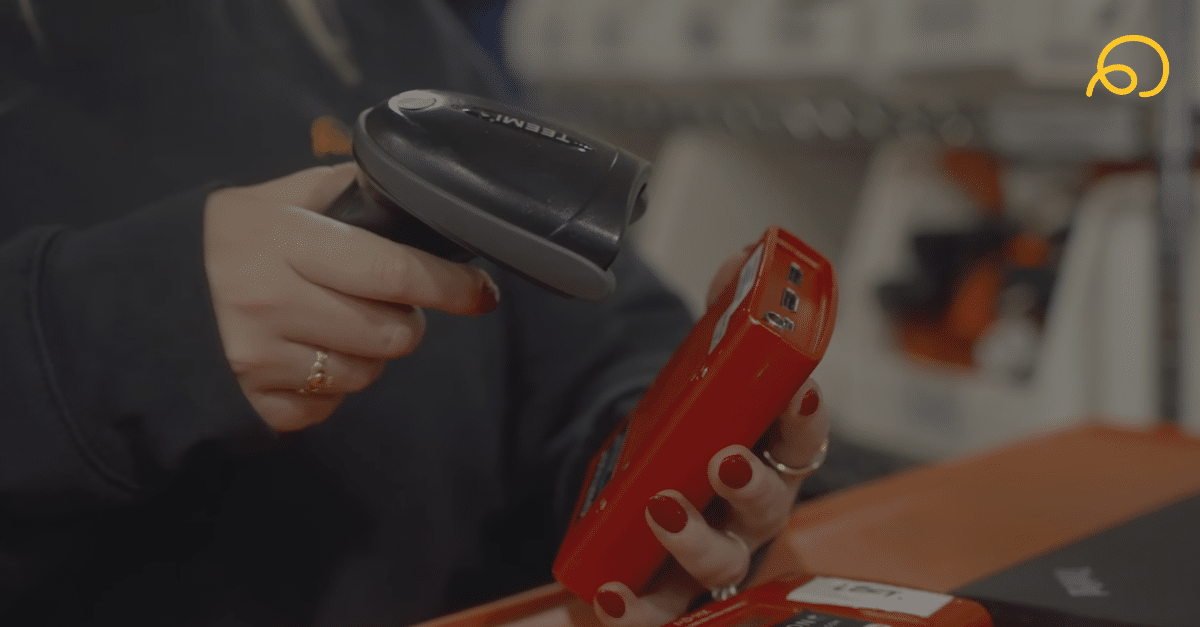
The barcode search feature is another underrated tool. Scan any barcode from the Inventory page and instantly see the container’s pack history, current status, and what’s inside. It’s a fast way to troubleshoot on the warehouse floor or verify contents before a truck rolls out.
Want the Full Walkthrough?
This blog covers the highlights, but the full strategy session goes much deeper—with live demos, real-world examples, and Q&A from LASSO customers working through these exact workflows. It’s all available inside The Loop, LASSO’s customer community.
👉 Join The Loop to watch the full session and connect with other LASSO customers who are optimizing their Inventory workflows every day. Not a LASSO customer yet? Schedule a 1:1 call with our team to walk through what’s possible.

Mel Baglio is an Industry Engineer at LASSO with 22 years of experience in the live events industry, including 10 years running warehouse operations.